 Daiwong's Website
2026 Privacy Guide
I will now make a guide for 2026 on how to have BETTER digital privacy and security practices going forward if you are concerned with your online privacy as the average person. Not a nerd or someone that is quite technologically literate.
If you want the most online privacy then just don’t use technology. See, the more “private” you go, the more convenience you lose. So this guide will be balanced. You cannot go completely private while using technology! Sorry!
It is more hassle following the steps of some guides where they tell you to install power user level stuff that just increases complication for someone who just wants to text their friends and watch Netflix.
Now there could be some similarities with other guides online, but this would be massively simplified.
Web Browsers

Use Brave. If you think their other bits and bobs like their weird cryptocurrency or Brave news is annoying you can disable it.
Get these extensions to better your experience and privacy!
uBlock Origin - Ads and other annoying stuff all blocked
Cookie AutoDelete - Auto clears cookies
Decentraleyes - Basically confuses trackers
(Optional) Dark Reader - For dark modeSearch Engines

Just use Google man, who cares.
If you are really worried about Google tracking you then use Brave search on Brave.
Operating Systems
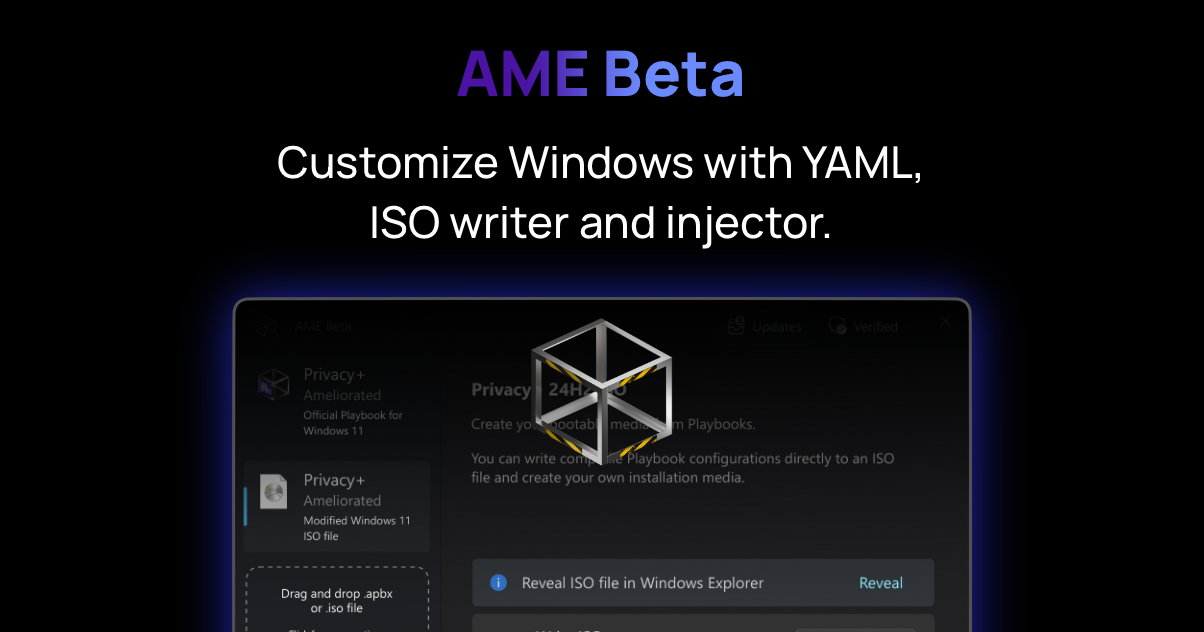
If you are a windows user. Visit WindowsAME and download their installer with the correct playbook of your choice.
Doing so:
Helps your privacy
Enhances your security
Makes it load a bit faster
Alternatively if you are wanting to switch to Linux then install Linux Mint for general use, or install Bazzite if you are a gamer.
Alternatively if you are a Mac user then stick with it. (Not the best privacy but decent)
Mobile Phones

I’m going to be 100% honest when I say this. Just buy an iPhone. It has better privacy than standard Android these days.
If anyone is going to argue with me “use Graphene” I have already ranted about this here. Good concept but not convenient, toxic fanbase and only someone who is very good in tech would ever use it.

Use ProtonMail only, alternatively you can consider Tutanota.
VPN

Use ProtonVPN
Texting
Use Signal
Cloud Storage
Get one of these. (I know prices are high, but just get one or wait till 2027)
YouTube
Computer - You can install FreeTube, which is a YouTube app player that just works most of the time. If it doesn’t just use YouTube logged out.
Phone - On Android install NewPipe, On iPhone use the YouTube website on the Brave browser
Social Media
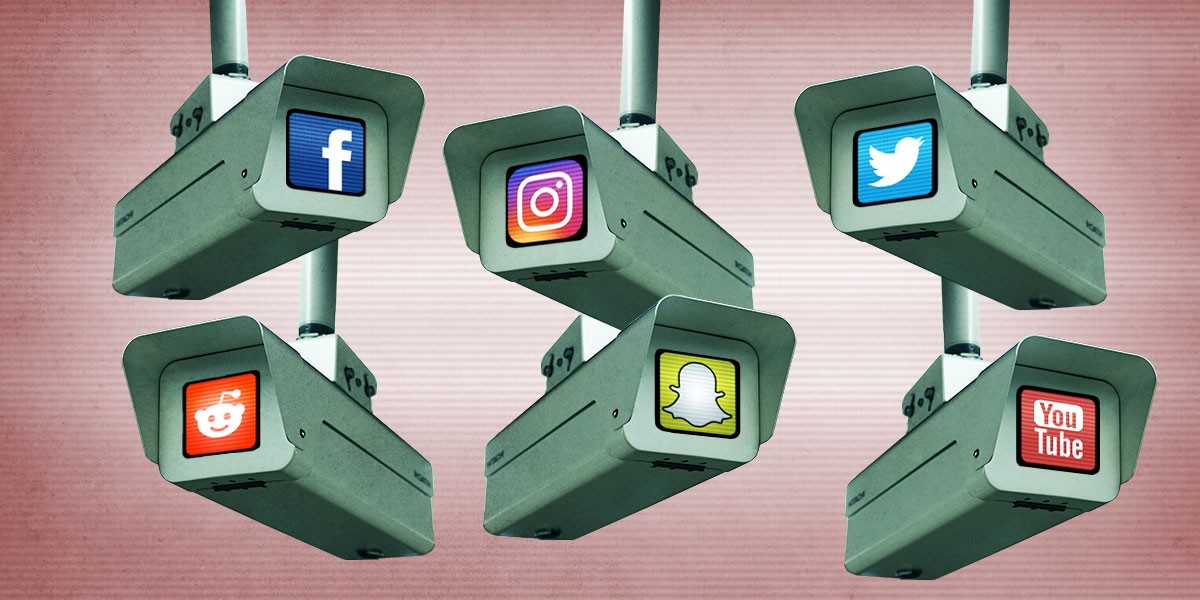
Well, you can’t expect social media to be private dude. They need to track you to give you the finest brain rot somehow. I think it’s okay to use social media in moderation, but if you post everything you do on your life on there then it kinda defeats the point of this guide bro.
Password Managers
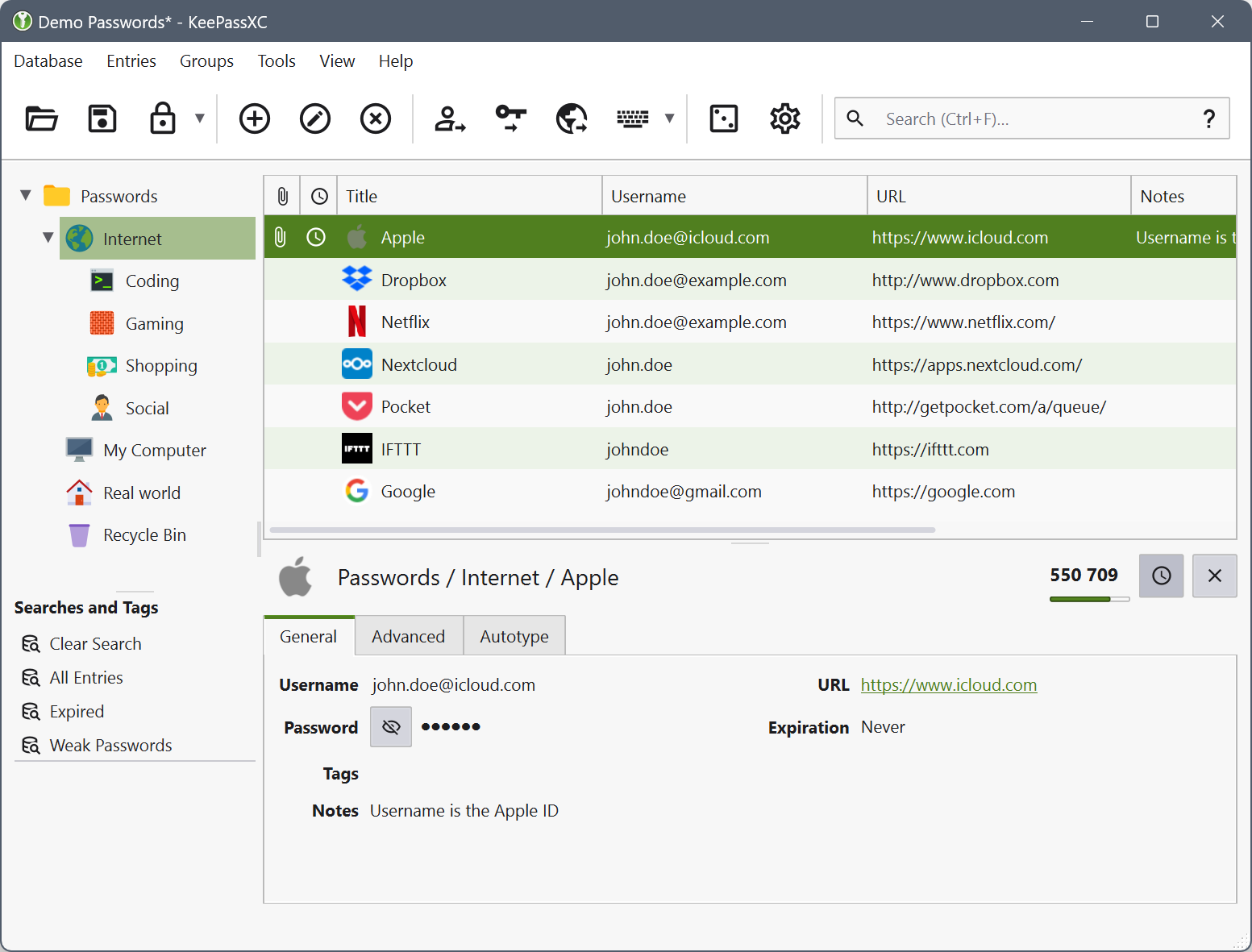
Use KeePass. It is FOSS, encrypted and stores locally. More about this here.
Conclusion
Use Brave with extensions, search engine of your choosing, run WindowsAME, Linux or Mac (just don’t use Windows 11), use an iPhone, ProtonMail, ProtonVPN, Signal, get an SSD, watch YouTube the old fashioned way and use Social Media in moderation. Maybe use KeePass if you already have a password manager or get it to have more security.