 Daiwong's Website
🤐 Ultimate Password Guide
Today I will be writing a guide on how to make safe and effective passwords. Yeah, passwords are small and trivial but there are many data breaches which are SCARY! If you have a very simple password, a computer could crack it theoretically under 1 minute.
❎ What you should avoid
Now okay, I know that something like likliklik is easy to remember and to type because they are close together on the keyboard. But don't use these as they are probably in some Russian hacking database already just because the sheer amount of people using it for the sake of convinience.
Passwords like: michael1, catch22 or any password with a word then some numbers at the end are obviously not safe. They are too short and stuff. It doesn't matter if your password is a random bunch of characters or not. What matters is the length and different random characters.
✅ What you should be doing
Coming up with a password isn't easy. You need a password something like: YKaG4*8*99kBtXr$C%9B or something along those lines. Have a password over at least 16 characters long. You can easily generate a password by typing "Password Strong [number]" into DuckDuckGo. And there are plenty of Password makers out there.
😵💫How am I supposed to remember that?
You don't.
You need a password manager to keep track of all the passwords you have. The good thing about password managers are that you can keep track of the amount of passwords you have and the amount of accounts you got.
🤬 What NOT to use
The one on your browser

No way I am letting Google out of all companies save my password. Let alone any company. Even being a semi-Apple fanboy. I would not let them have access to my passwords. Common sense really.
🛟 Password Manager Services

Dashlane, LastPass and others…
All you are doing is uploading your passwords on THEIR servers. Meaning someone has YOUR passwords.
Neither are they FOSS meaning you don’t know exactly what their code is doing.i
😁 What TO use
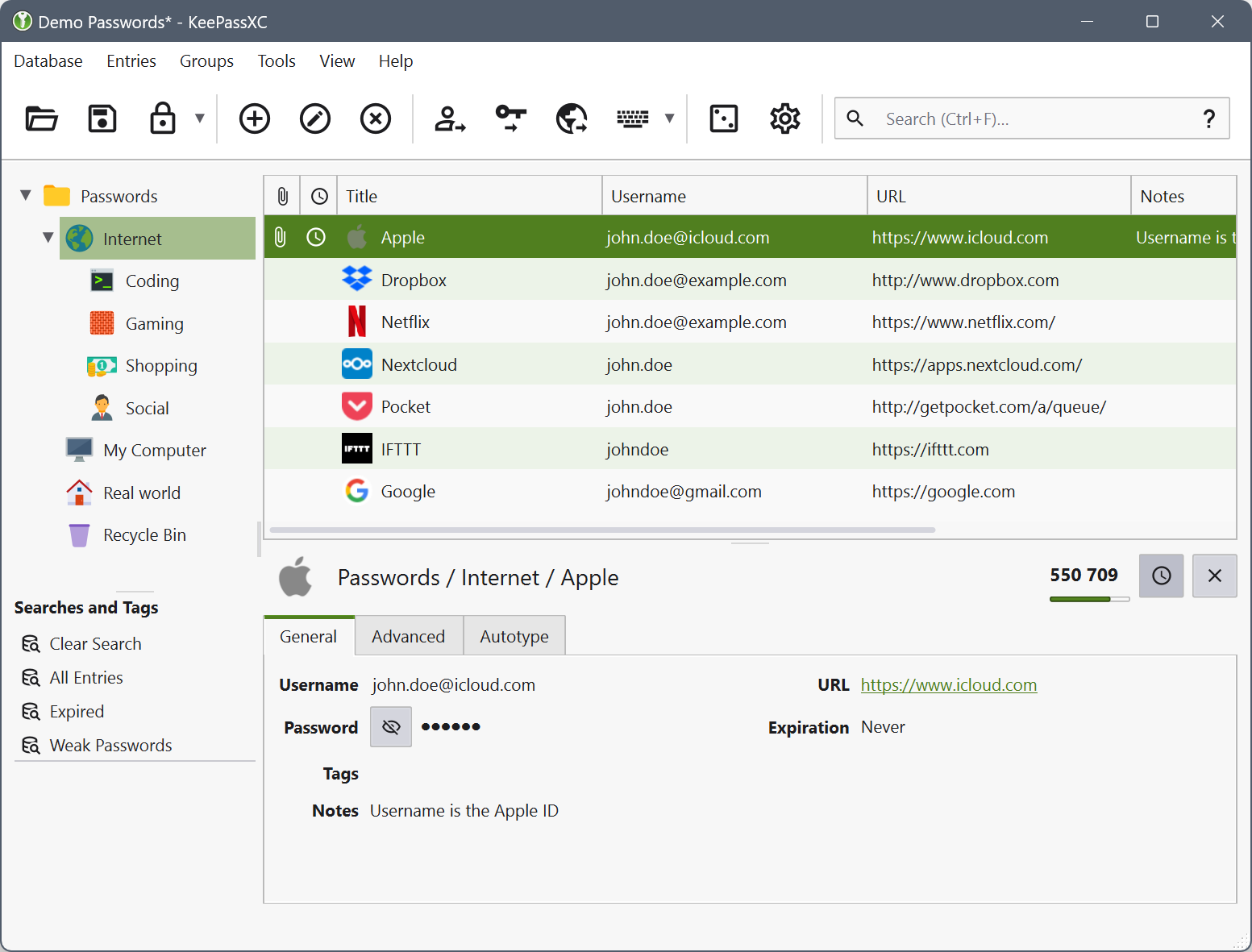
Before you think of using pen and paper. You have a chance of losing it, it’s harder to make copies unless you photocopy a list of your passwords. Besides you have so many accounts. There is no way you are making a comprehensive list of all your accounts with every account having a different password. So what now?
There is a FOSS (Free and Open Source Software) password manager named KeePassXC. Its password files are stored in an encrypted .kdbx format. This works on Android, Windows, MacOS, iOS and Linux
It’s 100% safe as you can see the code entirely, it is not for profit so it’s free and no incentive to sell your information, neither does it need an internet connection.
You will need 1 master password to access all your other passwords, and it auto saves.